Bulk personalized sending
Send WhatsApp messages to selected contacts with names, custom fields, media, and controlled sending delays.
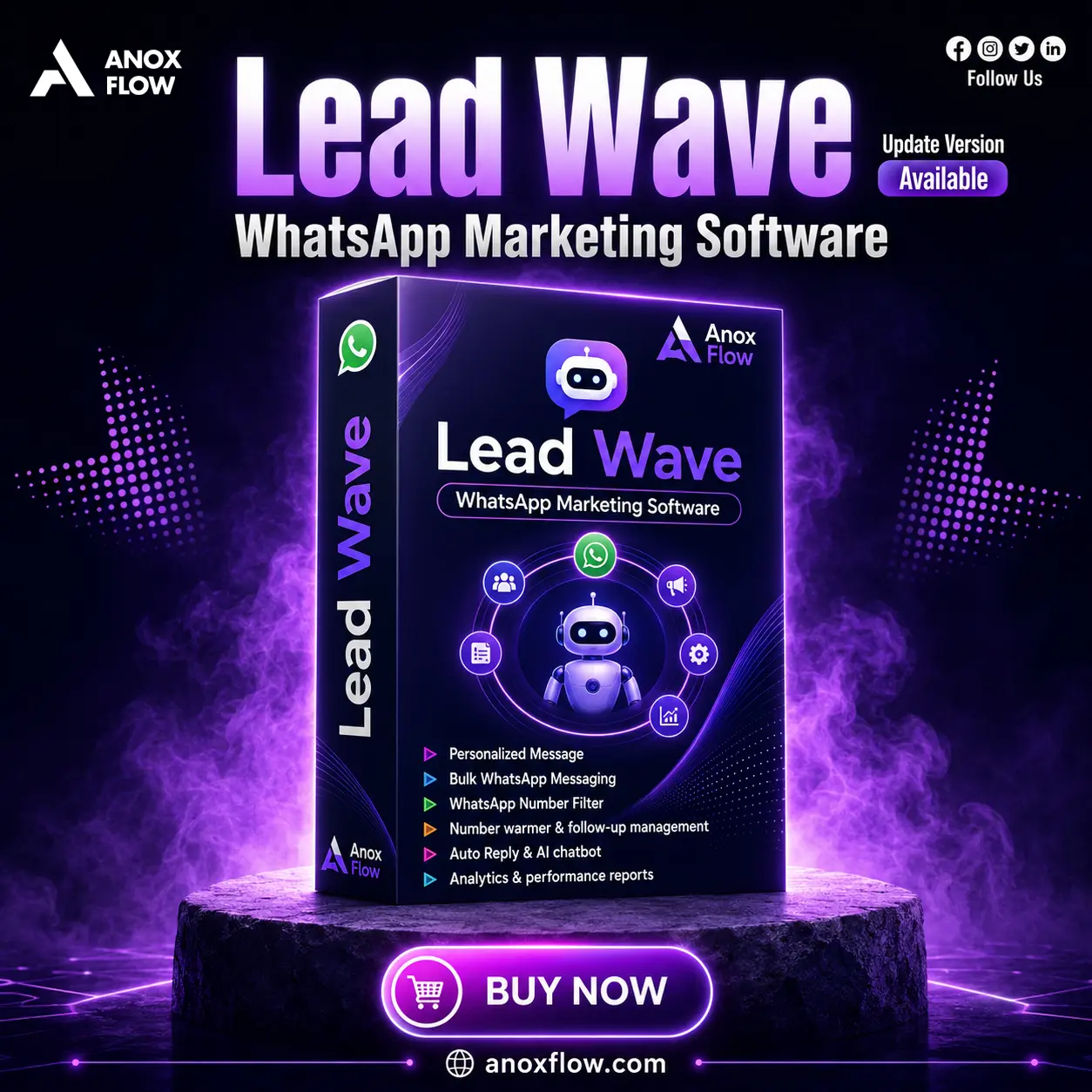
LeadWave is a Windows-based digital product for businesses that want to manage WhatsApp outreach, follow-ups, customer replies, and campaign reports from one simple dashboard.
Pick the plan you want, then click Buy Now. The WhatsApp message will be prepared automatically.
Both plans include LeadWave v5.0.0 access, updates, and direct support for setup help.
Selected plan: 1 Year Plan — Buy Now will send: “I want to buy Leadwave 1 year plan”.
LeadWave keeps daily marketing work simple: import contacts, write personalized messages, connect devices, automate replies, and track the result.
Send WhatsApp messages to selected contacts with names, custom fields, media, and controlled sending delays.
Answer common questions, qualify leads, and keep support active even when your team is offline.
Connect multiple WhatsApp accounts and manage them from one organized desktop dashboard.
Create smart replies and follow-up flows so interested leads do not get missed.
Import contacts, segment audiences, manage tags, remove duplicates, and keep campaign lists clean.
See message activity, delivery status, response patterns, and device performance in useful reports.
Useful for digital agencies, e-commerce stores, real estate teams, education businesses, sales teams, and support desks.
Install the software, activate your license, connect WhatsApp, import contacts, and launch your first campaign carefully.
Run the Windows installer and complete setup on your computer.
Open LeadWave, enter your license key, and choose basic settings.
Use WhatsApp Linked Devices and scan the QR code from the software.
Add contacts from CSV, Excel, device sync, or selected WhatsApp groups.
Write your message, add personalization, set limits, and launch carefully.
LeadWave uses third-party WhatsApp automation methods, not the official WhatsApp Business API. Use it responsibly: message people who agreed to hear from you, avoid spammy text, keep daily limits reasonable, and expect that WhatsApp platform changes can sometimes affect advanced features.
Yes. You can connect standard WhatsApp or WhatsApp Business using the Linked Devices QR process.
LeadWave is made for Windows. Mac users may need virtualization software to run Windows apps.
Your working data stays on your computer instead of being stored in a public cloud dashboard.
For safer use, start low, use delays, and keep daily sending limits reasonable per device.
Start with a 1 day free trial, or choose your plan above and buy through WhatsApp.